
Port-placement overview
A procedural draft that clarifies entry points, anatomy landmarks, and instrument orientation for teaching.
Laparoscopy
Draft procedure visuals, anatomy-exposure views, incision maps, and perioperative explainers for surgical education and case communication. Review every output with the responsible surgical team before reuse.
Free to try ·
Your diagram will appear here
Describe what you need and click Generate
Example drafts for procedure steps, exposure views, and perioperative communication.
A procedural draft that clarifies entry points, anatomy landmarks, and instrument orientation for teaching.
A stepwise operative draft that maps reduction, hardware placement, and the main anatomy checkpoints.
A teaching draft that emphasizes vessel orientation, suture progression, and the flow-restoration goal.
A regional draft that helps explain what anatomy becomes visible and when during an operation.
A compact procedure draft for sequence, device movement, and orientation in minimally invasive workflows.
A perioperative draft that explains tubes, drains, or follow-up monitoring points for team communication.
Use this page when the main goal is to explain operative sequence, exposure, instrument flow, or anatomy landmarks in a procedure context. It is best for education and communication drafts rather than final operative instructions.
Describe the procedure, the audience, the key anatomy, and the step order. Surgical prompts work best when they clarify sequence and safety focus without trying to turn the image into a complete operative manual.
This page supports drafting and explanation, but it does not replace surgeon review, patient-specific planning, or validated operative guidance. Confirm steps, anatomy relationships, and safety messaging before use.
Use a narrower or broader page when the request is mainly anatomy labeling, patient explanation, or general medical process rather than procedure sequence.
Describe the operation, the key anatomy, and the audience, then review the output with the surgical team before reuse.
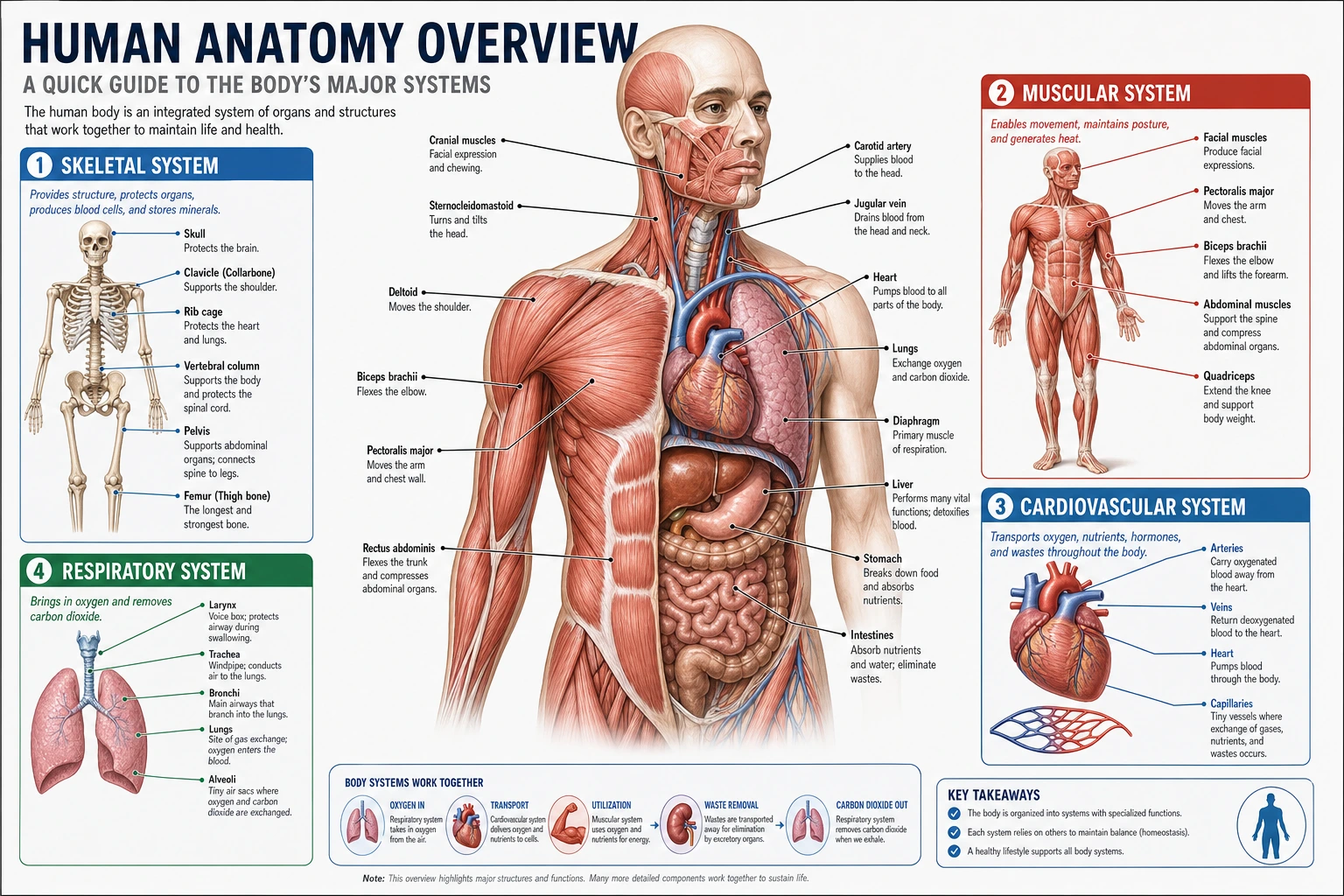 Anatomy
Switch to a structure-focused page when you need labeled anatomy without operative sequencing.
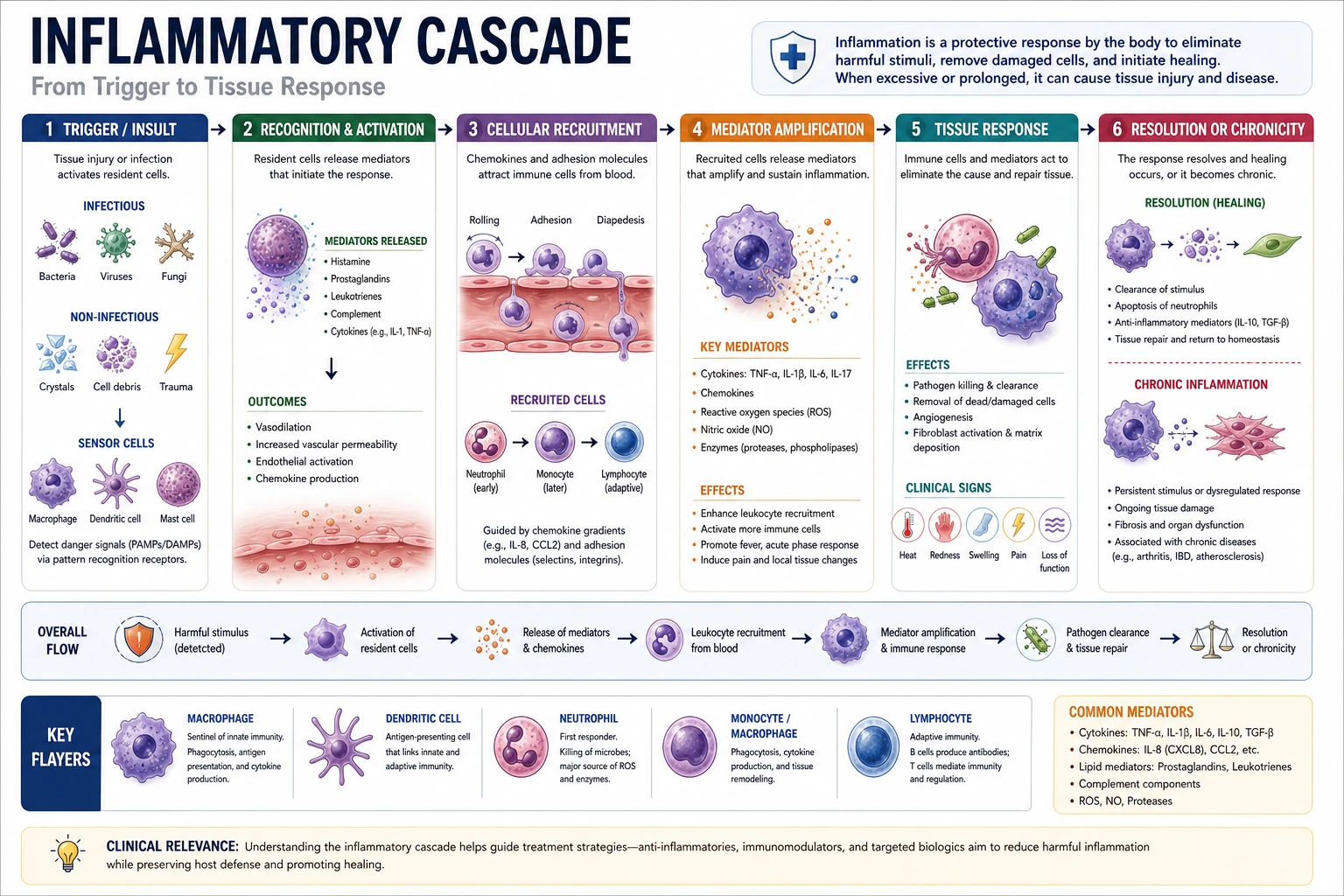 Medical Workflows
Use a process-focused page for triage, monitoring, or clinician-facing algorithms around care delivery.
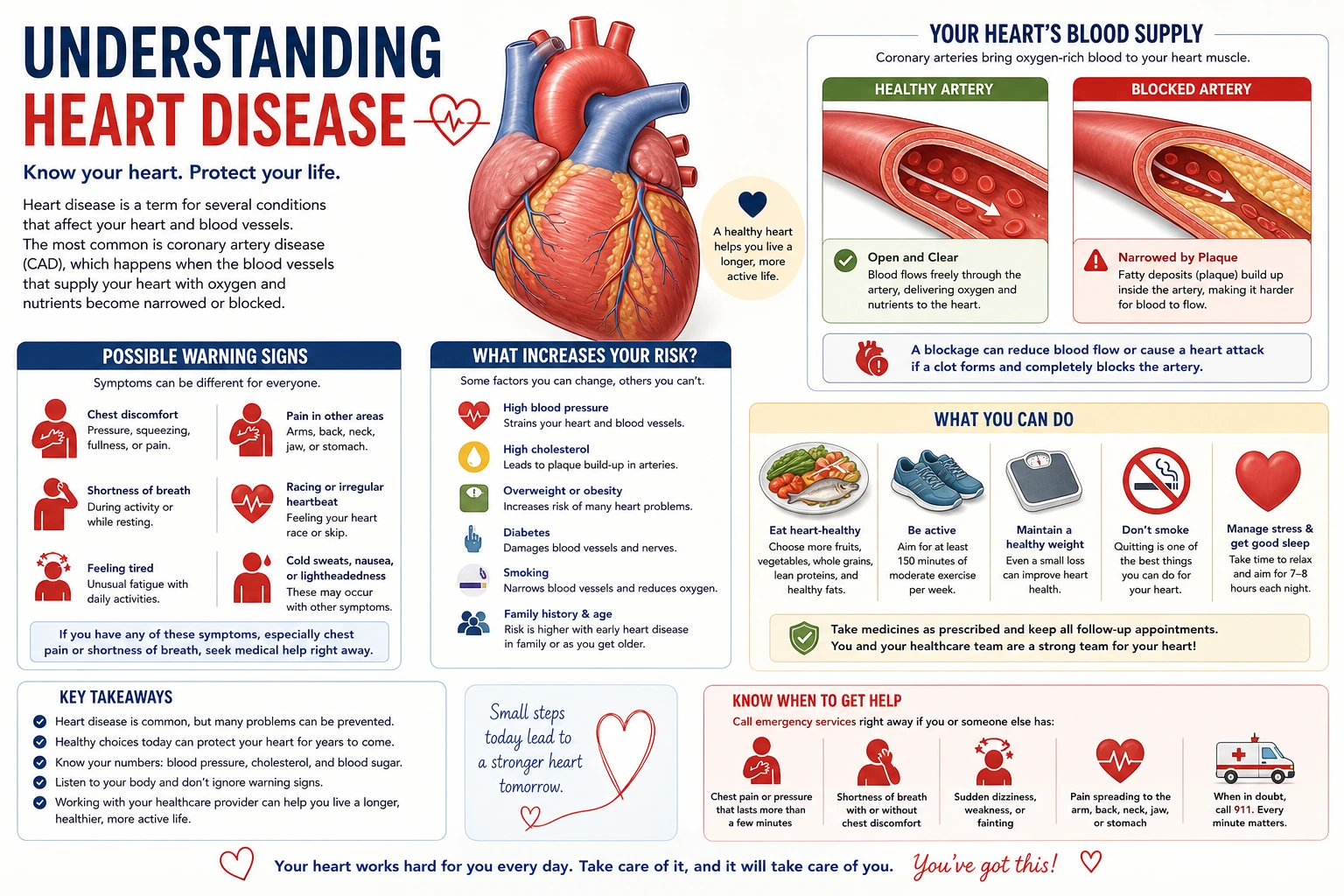 Patient Education
Open a patient-facing page for preparation, recovery, and home-care communication drafts.