
Inflammatory cascade overview
A pathway-style draft that maps trigger, mediator, and downstream tissue response in one visual sequence.
Pathophysiology
Draft mechanism diagrams, care pathways, comparison visuals, and decision trees for teaching, research, and patient communication. Start from a text brief, then review the output against your own references before reuse.
Free to try ·
Your diagram will appear here
Describe what you need and click Generate
Example drafts for mechanisms, pathways, comparisons, and clinical communication workflows.
A pathway-style draft that maps trigger, mediator, and downstream tissue response in one visual sequence.
A treatment flow draft that organizes medication steps, monitoring, and escalation points for a common chronic condition.
A comparison visual that helps explain how anatomy, spread, and treatment context change across stages.
A stepwise process draft that labels each phase of cell division for lectures, notes, or study materials.
A labeled signal-transmission draft that traces the route from receptor input to central processing.
A high-level workflow draft that shows sequence, anatomy landmarks, and key handoff points for team communication.
Use this page when the main job is to explain a medical process, relationship, or decision path. It works well for mechanisms, algorithms, comparisons, and structured teaching visuals that need clear sequencing.
Strong prompts usually define the audience, the scope of the visual, and the exact relationships that matter. The tool works better when you describe what should be shown and what should stay out of scope.
This tool helps with first drafts, not final medical sign-off. Review terminology, sequencing, and scope before you place the diagram in patient materials, training modules, or external documents.
Choose a more specific page when the brief is mostly about anatomy, patient-friendly counseling, or research figures. A narrower page usually gives more relevant examples and prompt framing.
Start with a text brief, then review the output against your own sources before download or reuse.
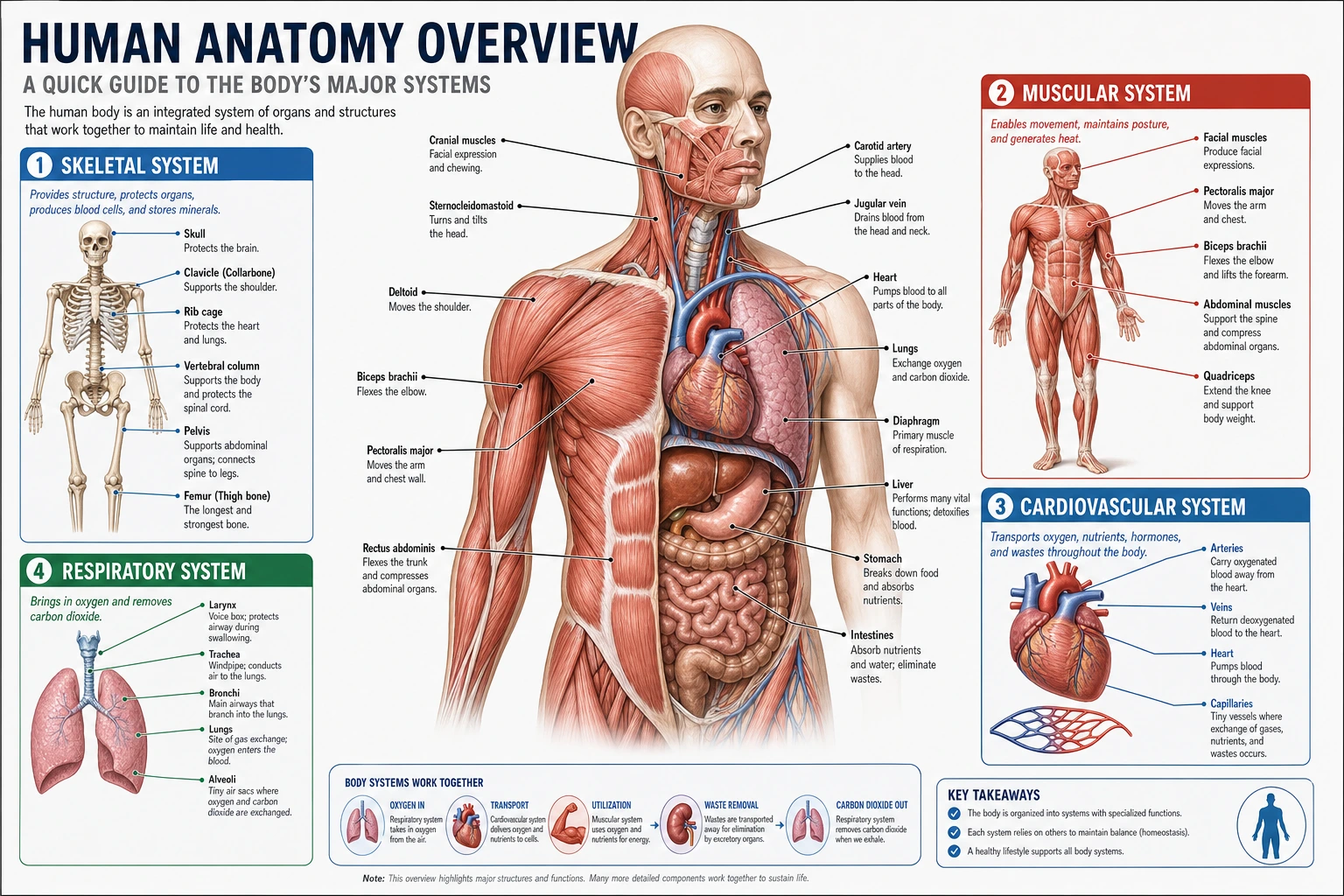 Anatomy
Open a structure-focused page for labeled organs, regions, and cross-sections.
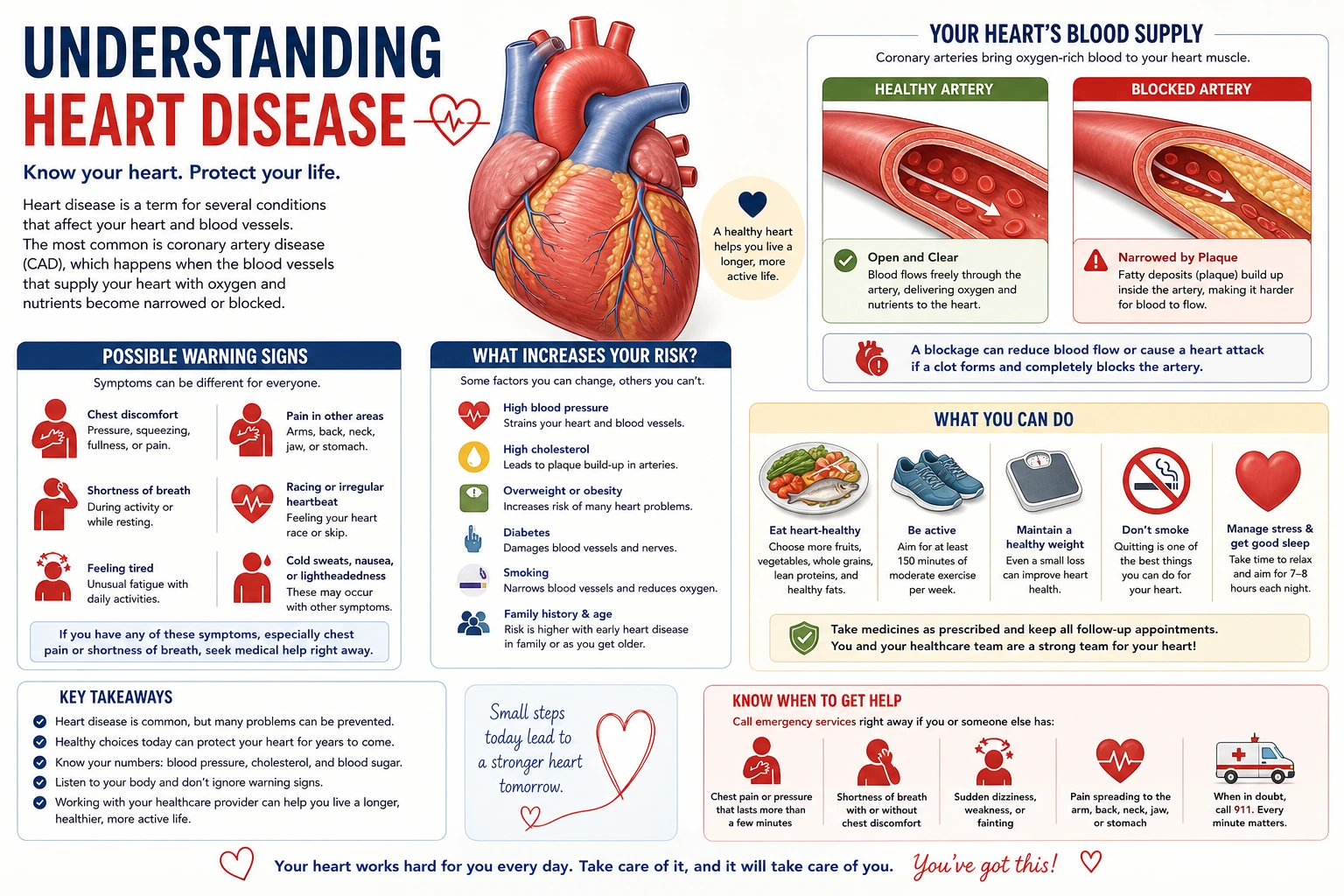 Patient Education
Switch to a patient-facing workflow for plain-language counseling visuals.
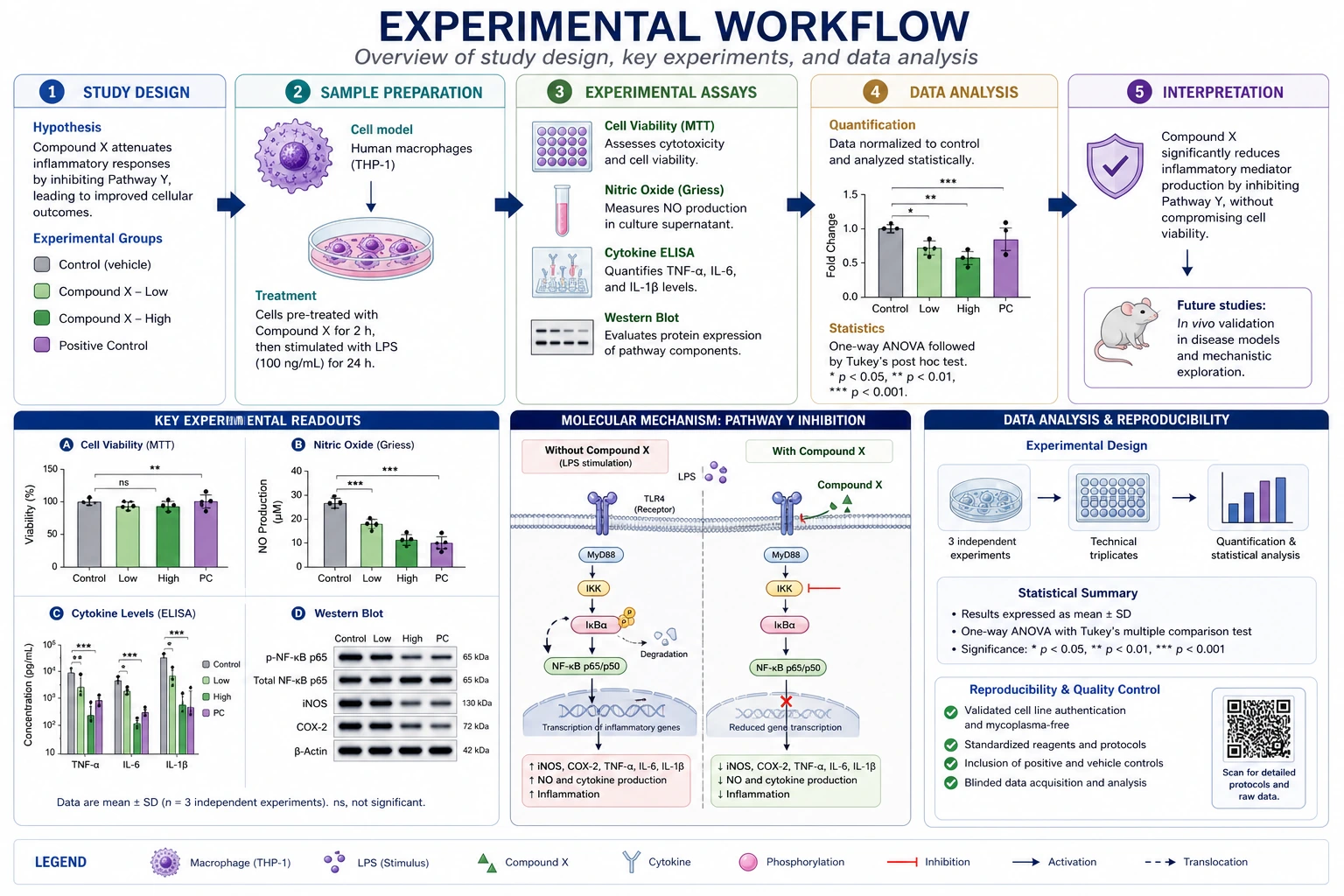 Research
Use a research-focused page for manuscript, poster, or study-design figure drafts.