
Syringe component overview
A non-clinical component-layout draft for checking part relationships before controlled artwork is created.
Syringe
Draft black-and-white device component views and layout concepts for an Instructions for Use (IFU) workflow. Review every part, sequence, symbol, and label against controlled source material.
Free to try ·
Your diagram will appear here
Describe what you need and click Generate
Regulatory-review line drawings and procedural steps designed for medical device guide drafts.
A non-clinical component-layout draft for checking part relationships before controlled artwork is created.
An isolated device-component draft with no anatomy or insertion sequence, intended for product and technical review.
A non-operational parts overview for reviewing the plunger, dial, body, ejector, shaft, and tip relationship.
A high-information-density teaching figure with a main view, detail insets, legend, and review-ready labels for blood collection tube components.
A high-information-density teaching figure with a main view, detail insets, legend, and review-ready labels for nasal swab kit components.
A high-information-density teaching figure with a main view, detail insets, legend, and review-ready labels for lateral flow cassette components.
Use the generator to explore a device component view or visual layout before controlled artwork is produced. It does not create an approved IFU, validate a device sequence, or generate native vector files.
Describe the device, source drawing, desired viewpoint, and intended document stage. Generated output is raster artwork; recreate and verify final line art in your approved production system.
If you are creating broader materials like clinical training charts or surgical guides, combine this tool with our other builders.
An IFU illustration draft is most useful when generation begins as a layout exercise, not as a replacement for controlled artwork. Define the device component, viewpoint, document stage, and information that must remain outside the draft, such as approved symbols, warnings, measurements, and version-controlled labels. Use the image to discuss visual hierarchy, part relationships, or callout placement, then compare it against the current source drawing and document-control requirements. Final artwork, instructions, labels, and safety information must be recreated, verified, and approved in the organisation's controlled production workflow.
Input your device steps to generate clean line-art drafts for review.
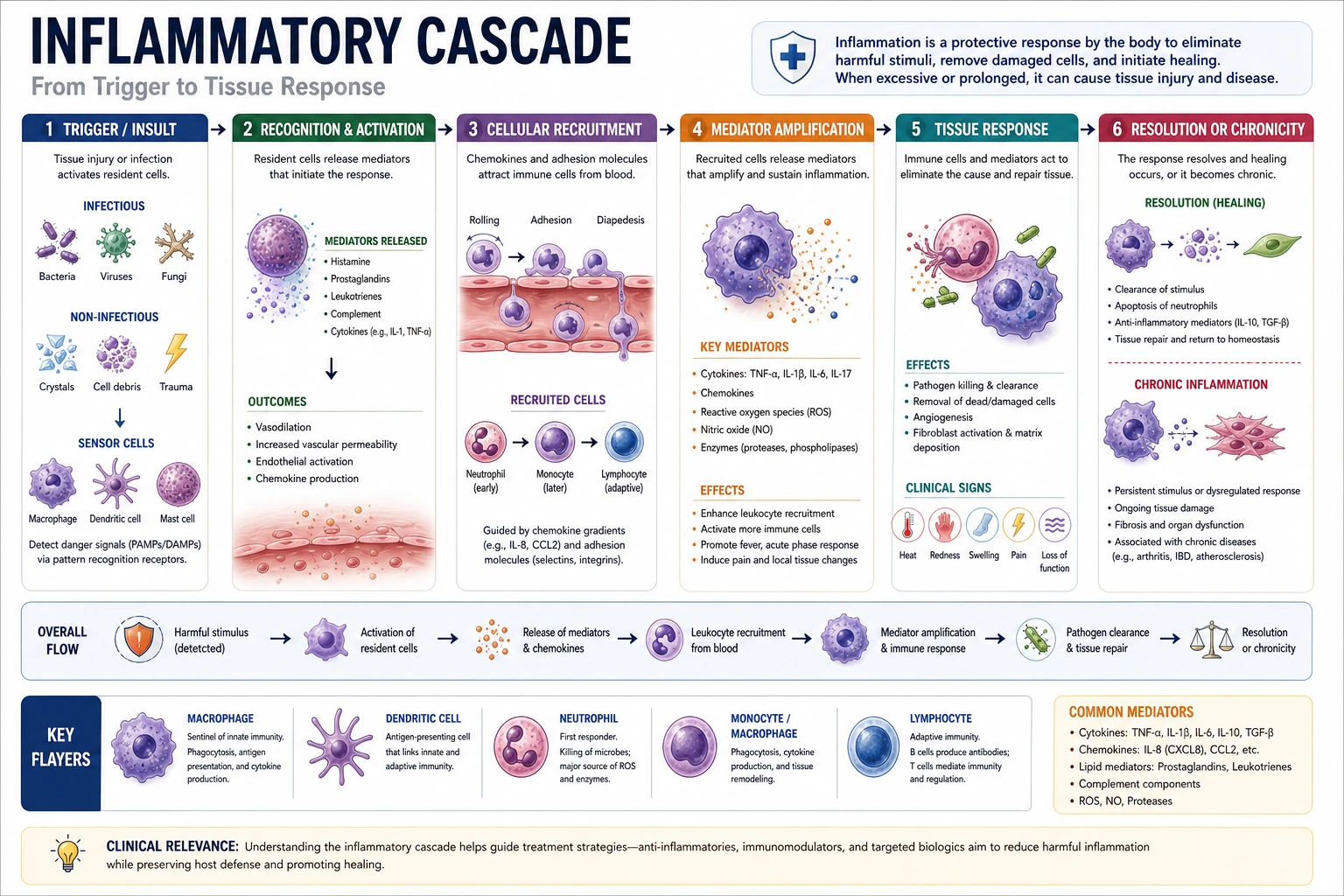 Anatomy
Create clinical flowcharts, disease pathways, and procedural diagrams.
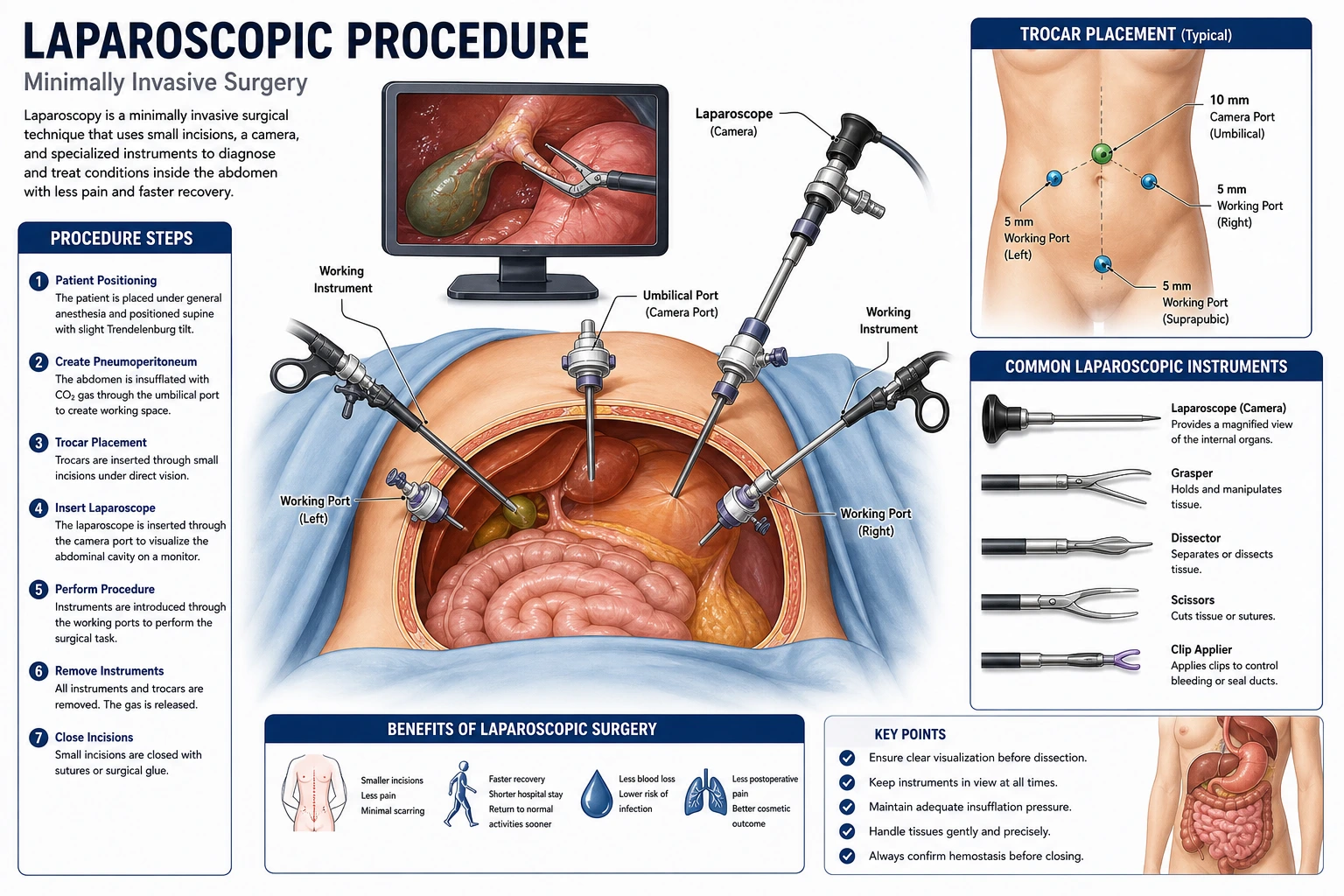 Clinical
Create surgical procedure illustrations showing incisions, techniques, and approaches.
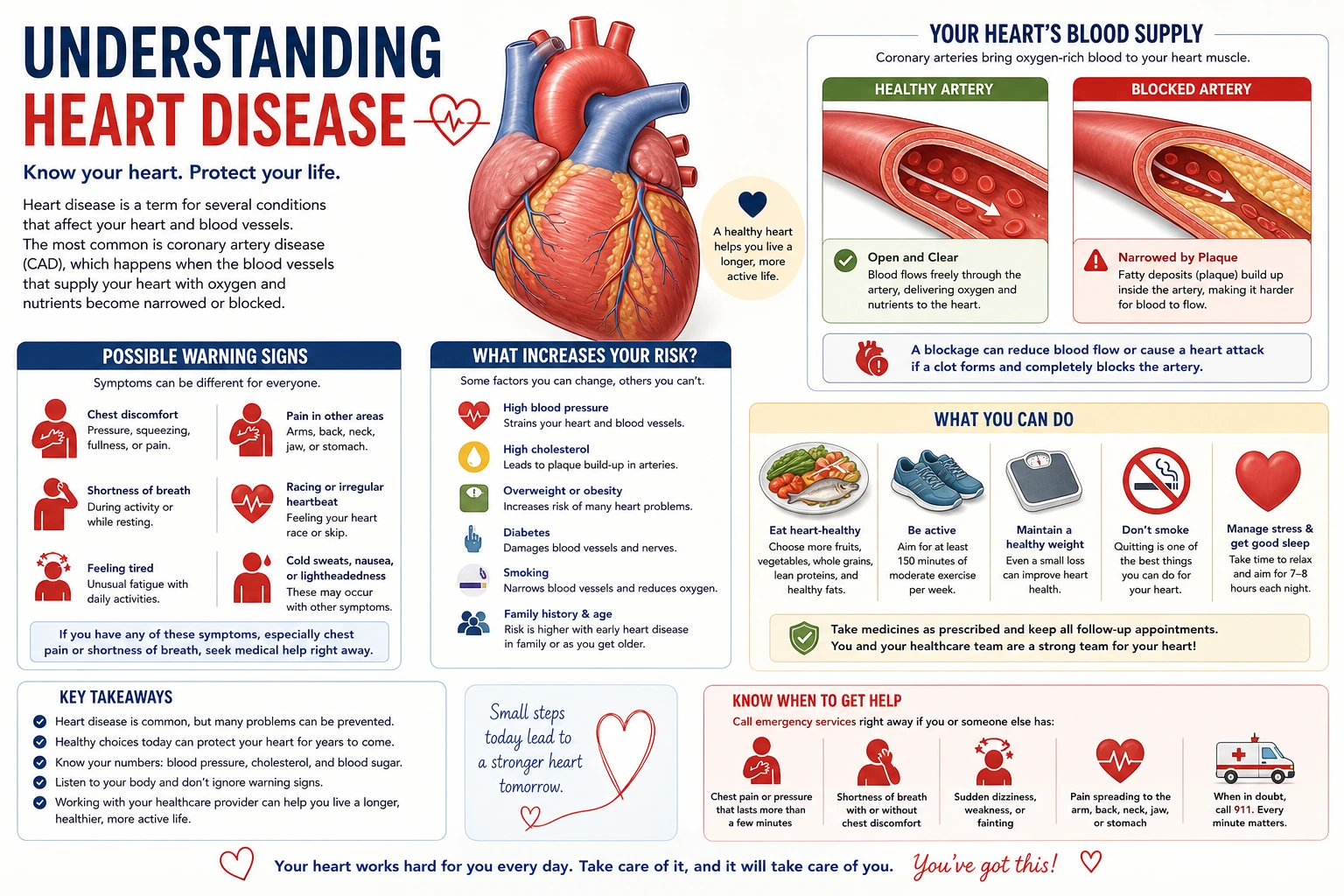 Education
Create patient-friendly medical visuals for clinic handouts and brochures.