
Pathway mechanism draft
A research-figure draft that connects trigger, pathway logic, and intervention points in one visual frame.
Mechanism
Draft research figures for mechanisms, assay workflows, study designs, device concepts, and multi-panel summaries. Review labels, evidence, and destination requirements before external use.
Free to try ·
Your diagram will appear here
Describe what you need and click Generate
Example drafts for mechanisms, assays, study workflows, and multi-panel research communication.
A research-figure draft that connects trigger, pathway logic, and intervention points in one visual frame.
A structured draft for cohort selection, intervention flow, timing, and endpoint summary.
A methods-oriented figure draft that shows sample handling, processing steps, and analytical checkpoints.
A multi-view draft that helps explain differences across tissue states or treatment groups.
A translational draft that maps measurement logic, group separation, and interpretation points.
A research-development draft that explains component interaction, anatomy context, and expected effect.
Use this page when the brief needs a research figure draft rather than a one-panel abstract or a patient-facing handout. It is built for mechanisms, workflows, assays, and study-design visuals.
The most useful prompts define what each panel or region should do, which labels must appear, and how detailed the scientific story should be for the target audience.
AI can accelerate the first draft, but final figures still need manual review for label consistency, data support, and destination-specific formatting. Think of this page as a faster layout and storytelling pass.
Use a narrower page when you need a compact study summary, a factual workflow comparison, or a patient-facing communication layout rather than a full research figure draft.
Scientific presentation workflow
Use the presentation workflow to align the question, evidence, panel hierarchy, and review checkpoints around a figure draft.
Explore scientific presentation figuresDefine the figure story, the panels, and the required labels, then refine the result in the editor and workflow you already trust.
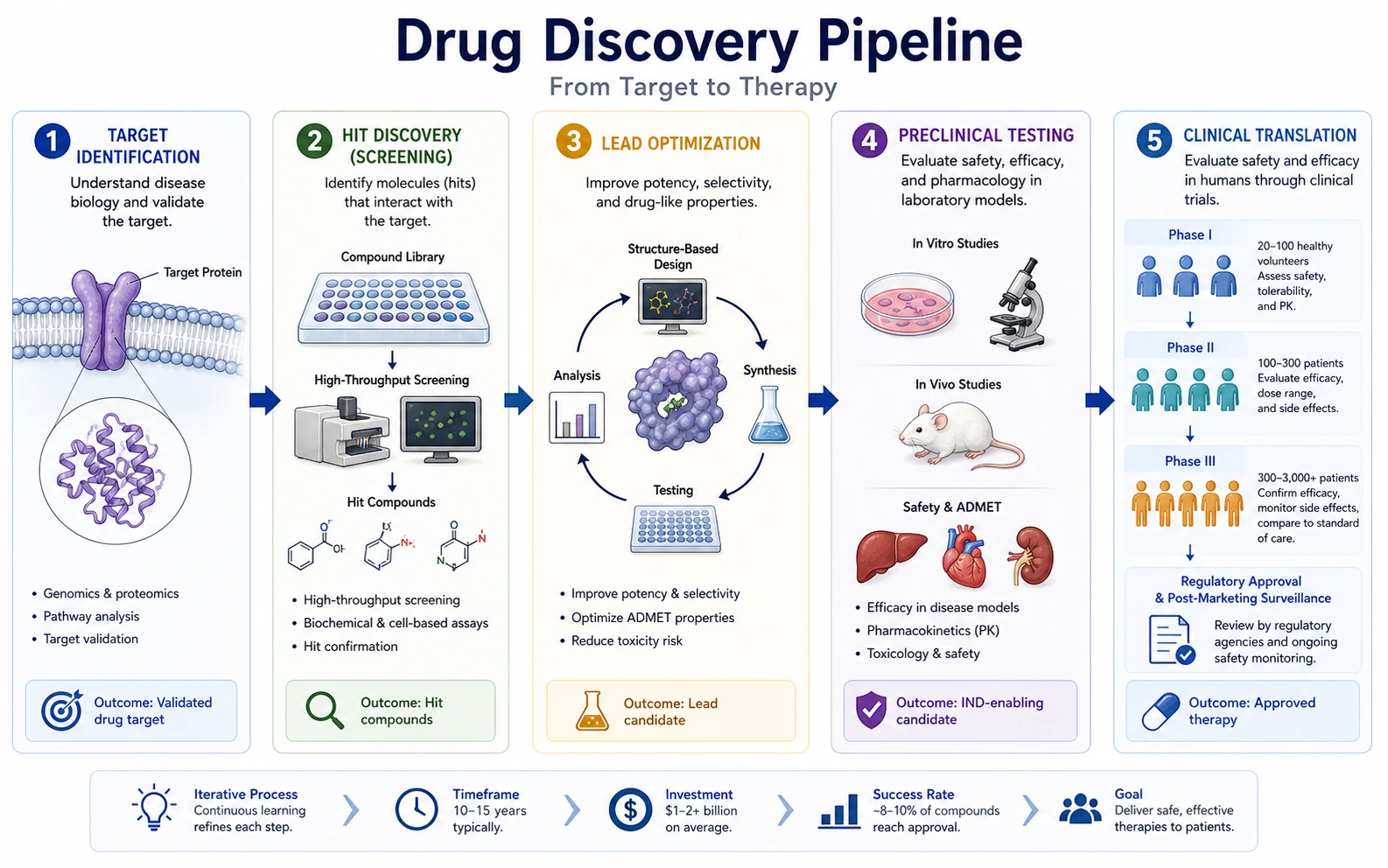 Research Summary
Switch to a one-panel study-summary workflow for manuscripts, grants, and lab updates.
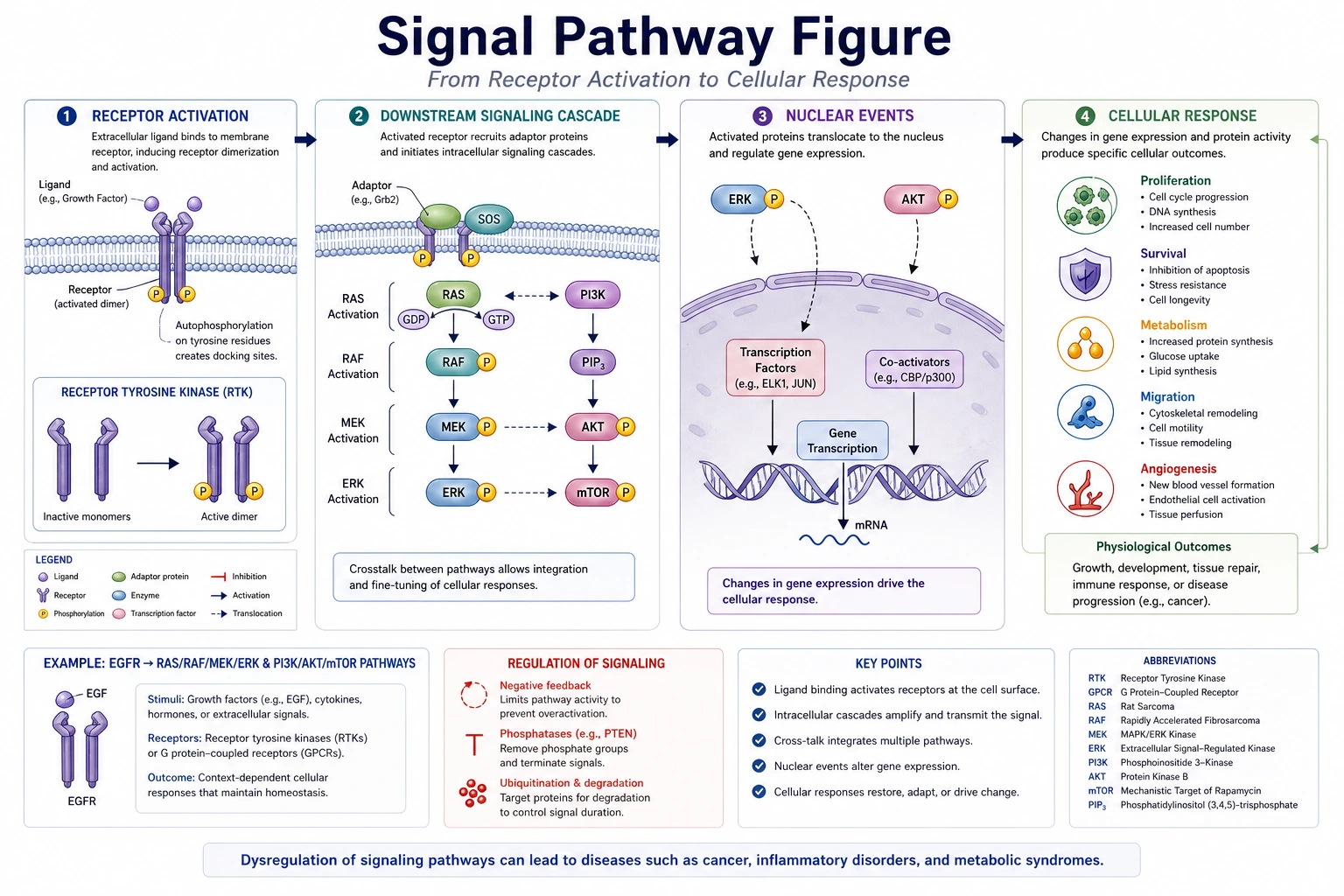 Workflow Comparison
Compare prompt-based figure drafting with template-library workflows for life science visuals.
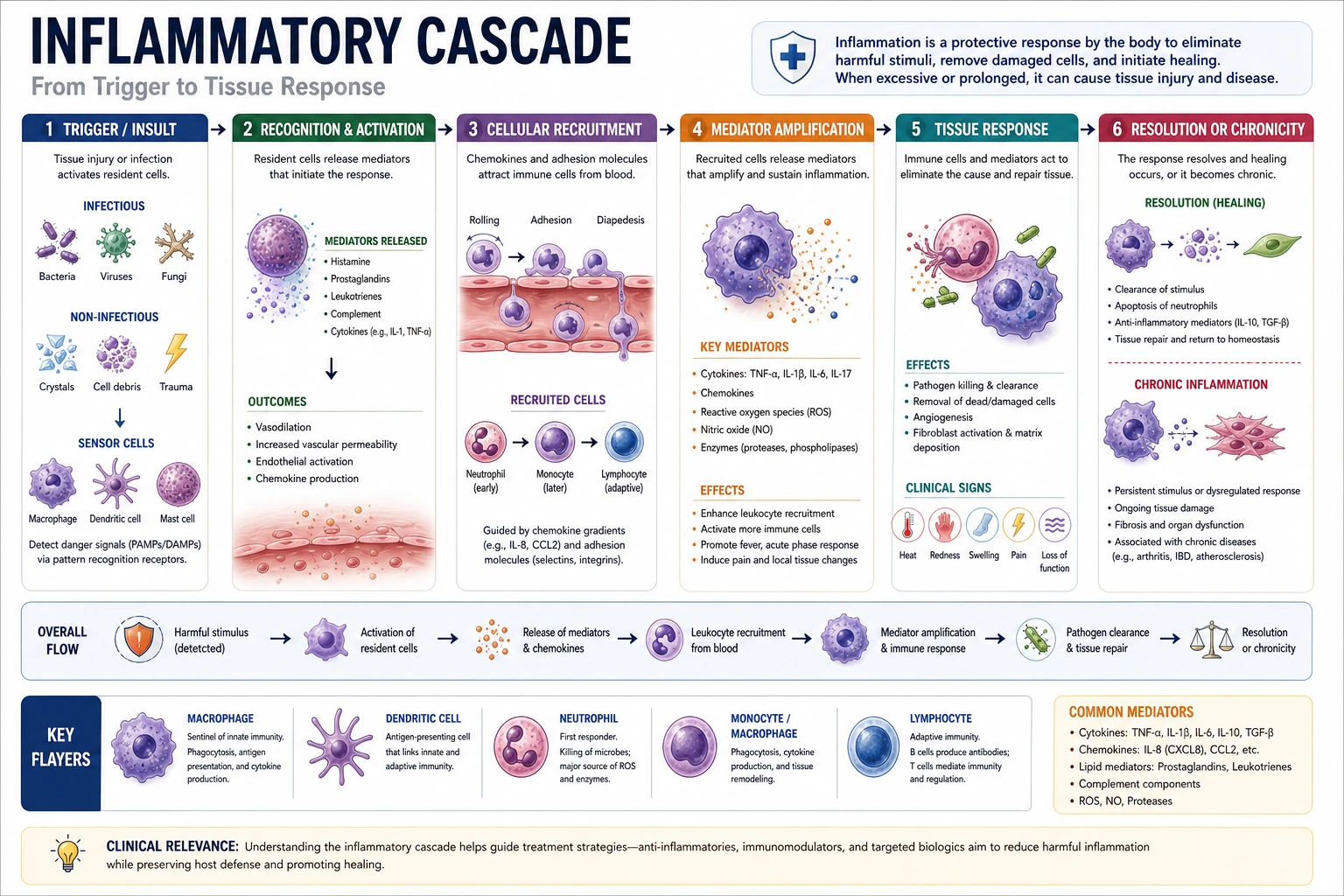 Medical Workflows
Use a clinician-facing page for mechanisms, care pathways, and structured explainers.