Prompt library

Medical Illustration Prompts

Use this prompt library to start faster with anatomy plates, surgery teaching figures, pathology comparisons, pharmacology diagrams, and related medical-visual workflows. Start with a prompt pattern, then refine view, labels, style, and audience.

Prompt formulasAnatomy to pharmacologyLabeling tipsBeginner friendly

Try a Medical Illustration Prompt

Describe your diagram

Free to try ·

Preview

Your diagram will appear here

Describe what you need and click Generate

Prompt Results Gallery

Six prompt patterns you can reuse across the Anatomy Diagram Generator, Medical Diagram Generator, Surgical Illustration Generator, and Scientific Figure Generator when a request starts out vague.

Anatomy Prompt - Heart Cross-Section

Result: a labeled heart plate with a clear cross-section, balanced color coding, and textbook-style callouts.

Anatomy

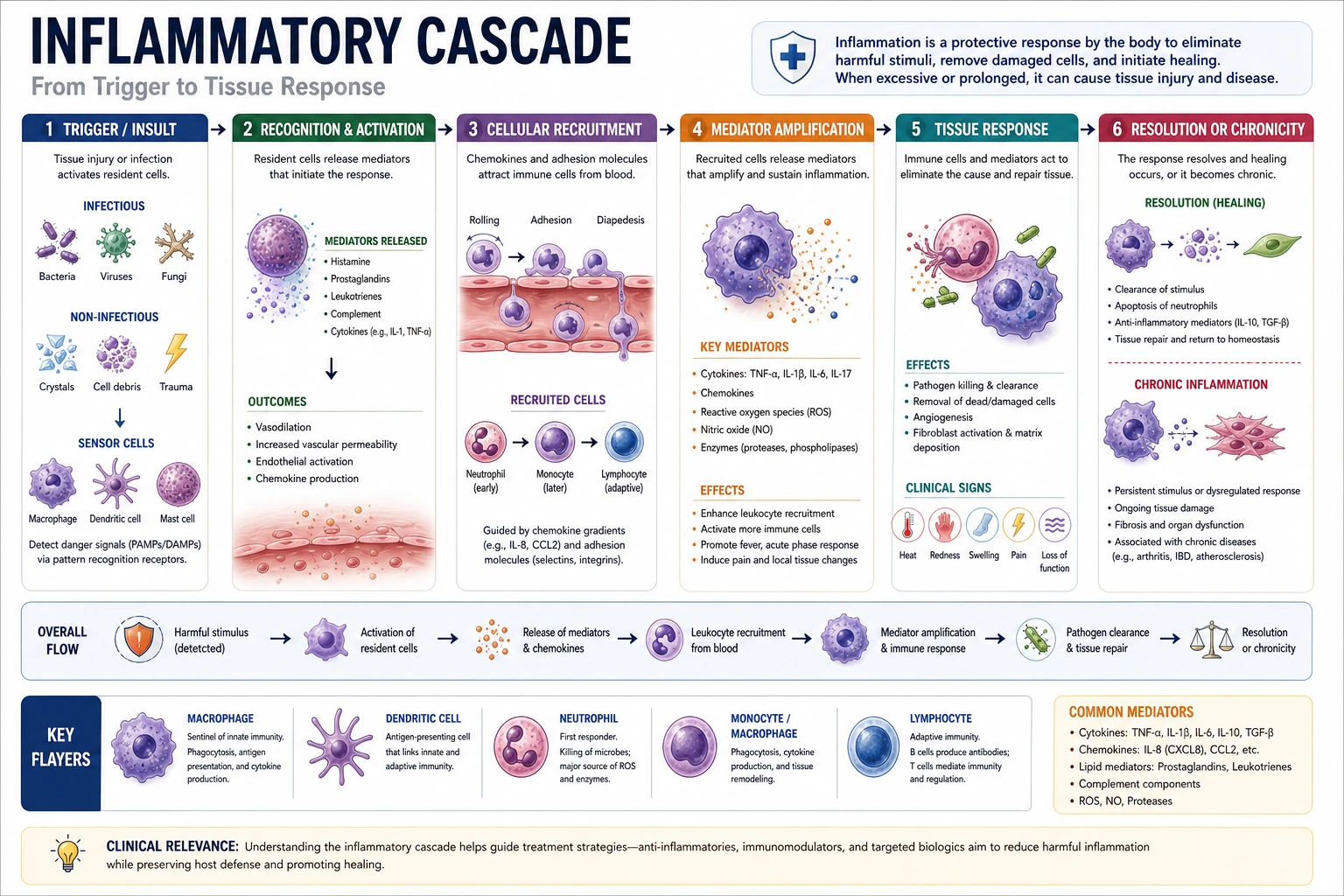
Clinical Prompt - Disease Mechanism

Result: a clean pathway figure that makes the trigger, immune response, and downstream tissue damage easy to follow.

Clinical

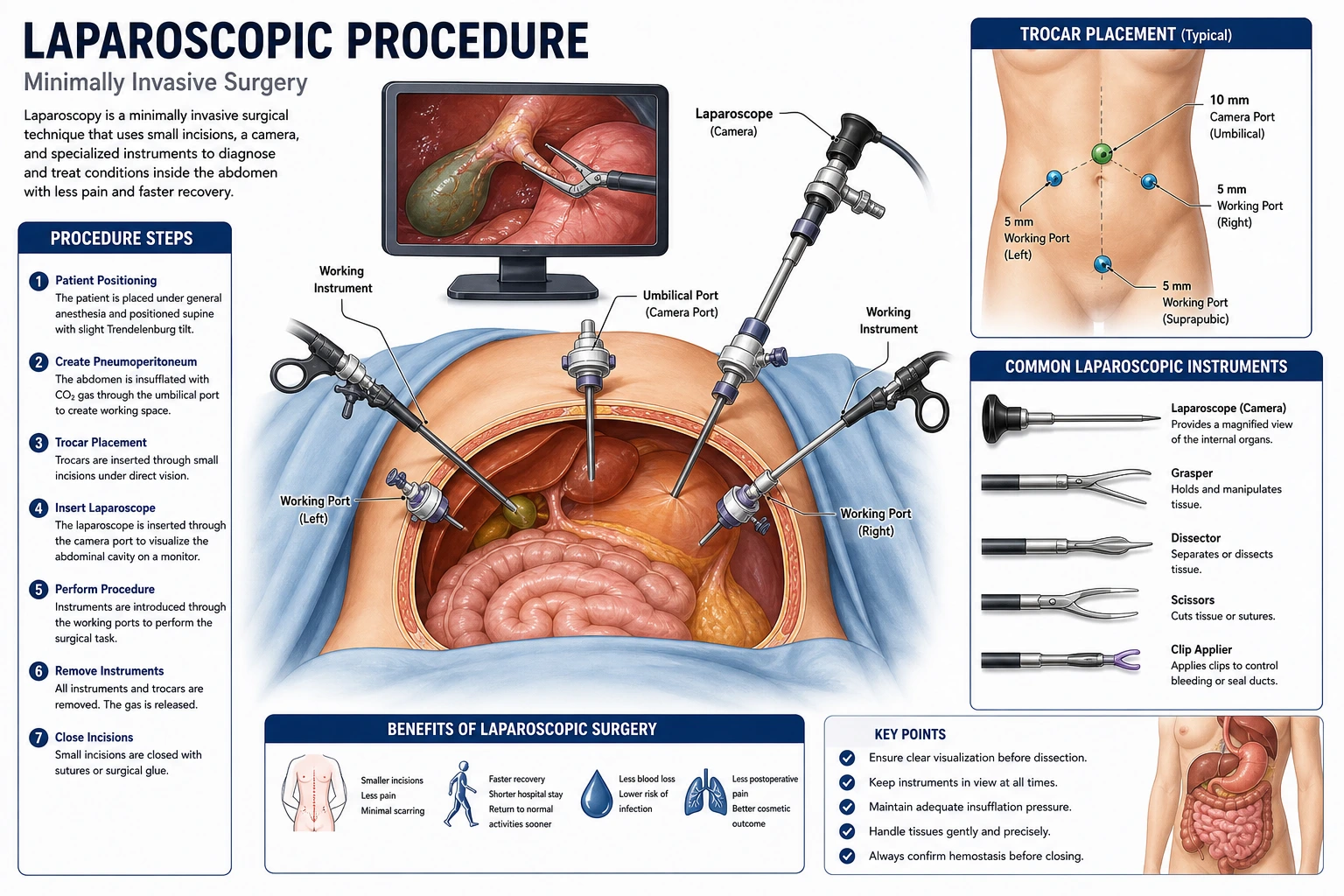
Surgery Prompt - Operative Sequence

Result: a non-graphic surgical teaching figure with pre-op anatomy, graft route, and final anastomosis shown in order.

Surgery

Patient Education Prompt - Inhaler Guide

Result: a calmer, simplified handout with numbered actions and plain-language device handling steps.

Patient Education

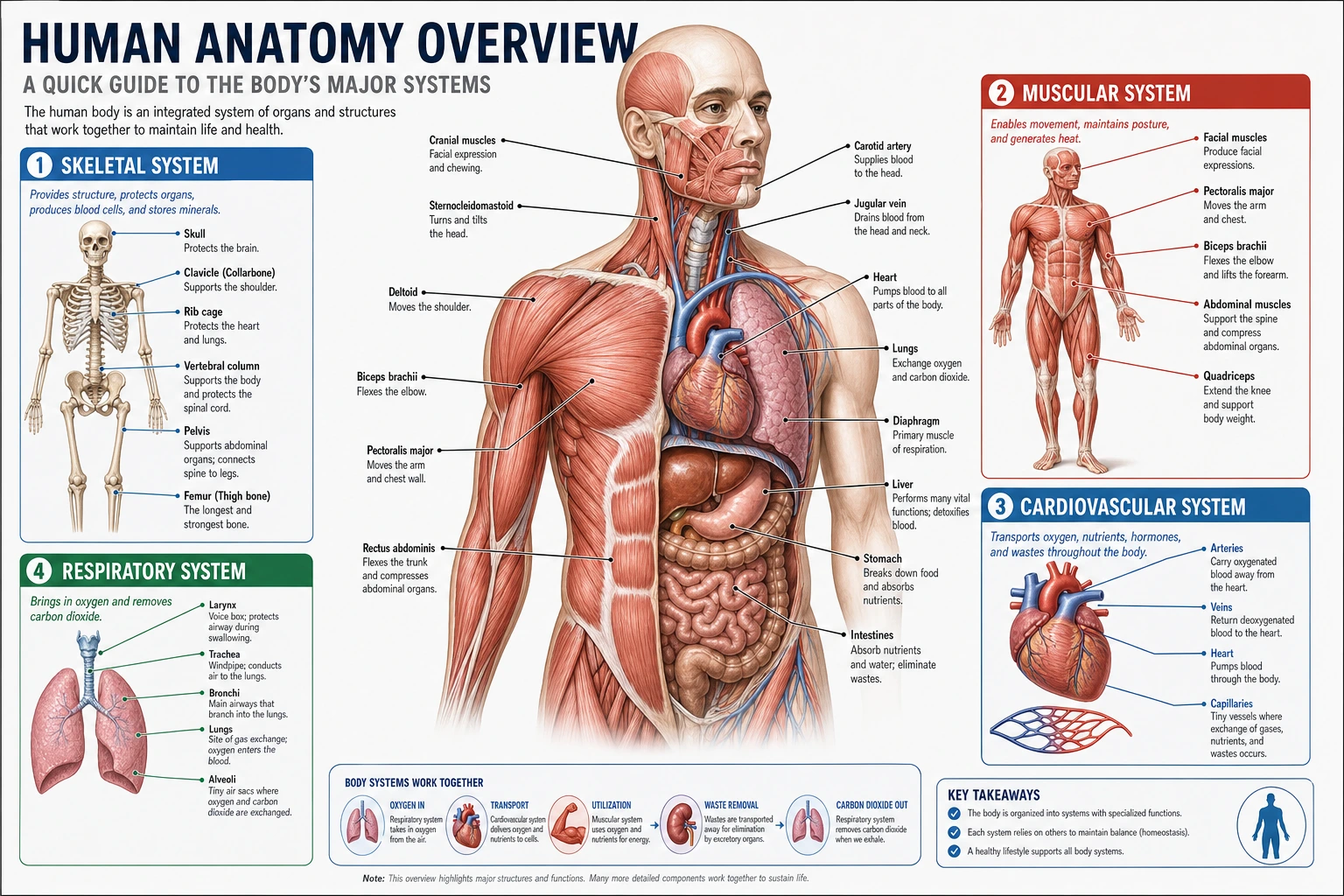
Systems Prompt - Cardiovascular Flow

Result: an overview diagram that works because the prompt asked for both circuits, arrow direction, and label scope.

Cardiology

Research Prompt - Multi-Panel Figure

Result: a conference-ready sequence figure because the prompt specified panel order, labels, and presentation use.

Research
1

A prompt formula that works across medical visual workflows

A strong prompt usually names the subject, the view, the must-show details, the labeling level, the style, and the audience. That structure keeps requests specific without turning them into long, unfocused paragraphs.

  • Subject: name the organ, condition, procedure, pathway, or drug mechanism first
  • View: ask for anterior, posterior, lateral, sagittal, coronal, axial, cross-section, cutaway, or multi-panel sequence
  • Must-show details: list the exact structures, findings, steps, or targets that have to appear
  • Labels and audience: say whether the output should be unlabeled, fully labeled, simplified, or written for patients, students, or specialists
  • Style and exclusions: request textbook, schematic, patient-friendly, or publication figure style, and mention anything to leave out
2

Anatomy prompts improve when the view angle is explicit

Most anatomy prompts fail because they stop at the body part. Name the plane, side, and label depth you need so the image starts from the right viewpoint instead of guessing.

  • State the plane clearly: anterior, posterior, lateral, sagittal, coronal, axial, or transverse
  • Add laterality when needed, such as left knee, right lung, or bilateral kidneys
  • Name the exact structures to label instead of asking for "all parts"
  • Say whether you want a clean normal anatomy plate or a normal-versus-pathology comparison
  • If the image is for teaching, ask for callout lines and concise labels rather than paragraph text
3

Different medical image types need different prompt details

Anatomy, surgery, pathology, and pharmacology prompts all benefit from structure, but they do not need the same details. Match the prompt to the job the image has to do.

  • For surgery, name the procedure step, the approach, and whether you want an operative view, cutaway, or numbered sequence
  • For pathology, say normal versus abnormal, gross specimen versus histology, and the key morphologic findings to label
  • For pharmacology, specify the drug class, receptor or pathway, and the downstream physiologic effect
  • For clinical diagrams, ask for arrows, legends, and a clear reading order when the figure explains a process
  • If the output should feel paper-ready, move the same core prompt into the Scientific Figure Generator and ask for a multi-panel research layout
4

Common prompt mistakes that reduce output quality

The biggest issue is vagueness. A prompt that sounds medical is not automatically a prompt that produces the figure you actually need. Good prompts remove ambiguity before generation starts.

  • Too vague: "draw pneumonia" gives worse results than "normal versus lobar pneumonia alveoli cross-section with labeled exudate"
  • Wrong terminology: use accepted anatomy and pathology terms instead of casual shorthand when accuracy matters
  • No view angle: many anatomy prompts fail simply because they never say sagittal, coronal, lateral, or cross-section
  • Mixed audiences: patient handouts and resident teaching figures need different label density and language
  • Too many jobs in one prompt: split overview, mechanism, and treatment into separate images when the concept gets crowded
5

Use the library as a hub, then move into the right generator

This page is meant to help you choose and structure prompts before generation. Move to the relevant generator once you know whether the visual is anatomy-first, mechanism-first, procedural, or manuscript-oriented.

  • Anatomy Diagram Generator: organs, vessels, joints, systems, and cross-sections
  • Medical Diagram Generator: disease mechanisms, pathways, and treatment algorithms
  • Surgical Illustration Generator: operative steps, port placement, approaches, and closure views
  • Scientific Figure Generator: paper figures, poster panels, and publication-style compositions
  • Patient Education Illustration Generator: simpler labels, calmer styling, and handout-friendly diagrams

Medical Illustration Prompt FAQ

Ready to turn a prompt into a draft?

Start with one of the prompt formulas here, then refine the view, labels, and audience inside the workspace.
Medical Illustration Prompts | Medical Visual Prompt Library