
Inflammation overview
A comparison draft that organizes the main tissue and cell changes across inflammatory states.
Inflammation
Draft pathology visuals for tissue injury, disease progression, histology teaching, and normal-versus-disease comparisons. Define the specimen level, the change to highlight, and the audience before you generate.
Free to try ·
Your diagram will appear here
Describe what you need and click Generate
Example pathology drafts for histology teaching, morphology comparison, and disease explanation.
A comparison draft that organizes the main tissue and cell changes across inflammatory states.
A morphology draft that contrasts progression features and structural change across grades.
A staged draft that helps explain how tissue architecture changes as fibrosis advances.
A renal draft that compares normal filtration structures with injury-related alteration.
A teaching draft that helps separate benign and more concerning morphological patterns.
A concept draft that connects vessel injury, clot formation, and the main tissue implications.
Use this page when the request is mainly about tissue change, morphology, progression, or normal-versus-disease comparison rather than anatomy labeling or treatment logic.
Strong pathology prompts define the tissue, the comparison or stage, and whether the emphasis should sit at the gross, histology, or concept level.
This page helps with first-pass pathology explanation, but final review should still confirm morphology, terminology, and the correct interpretation of change.
Use another page when the request is more about anatomy, pharmacology, or patient communication than pathology morphology itself.
Describe the tissue, the comparison, and the audience, then review the output against your trusted source before reuse.
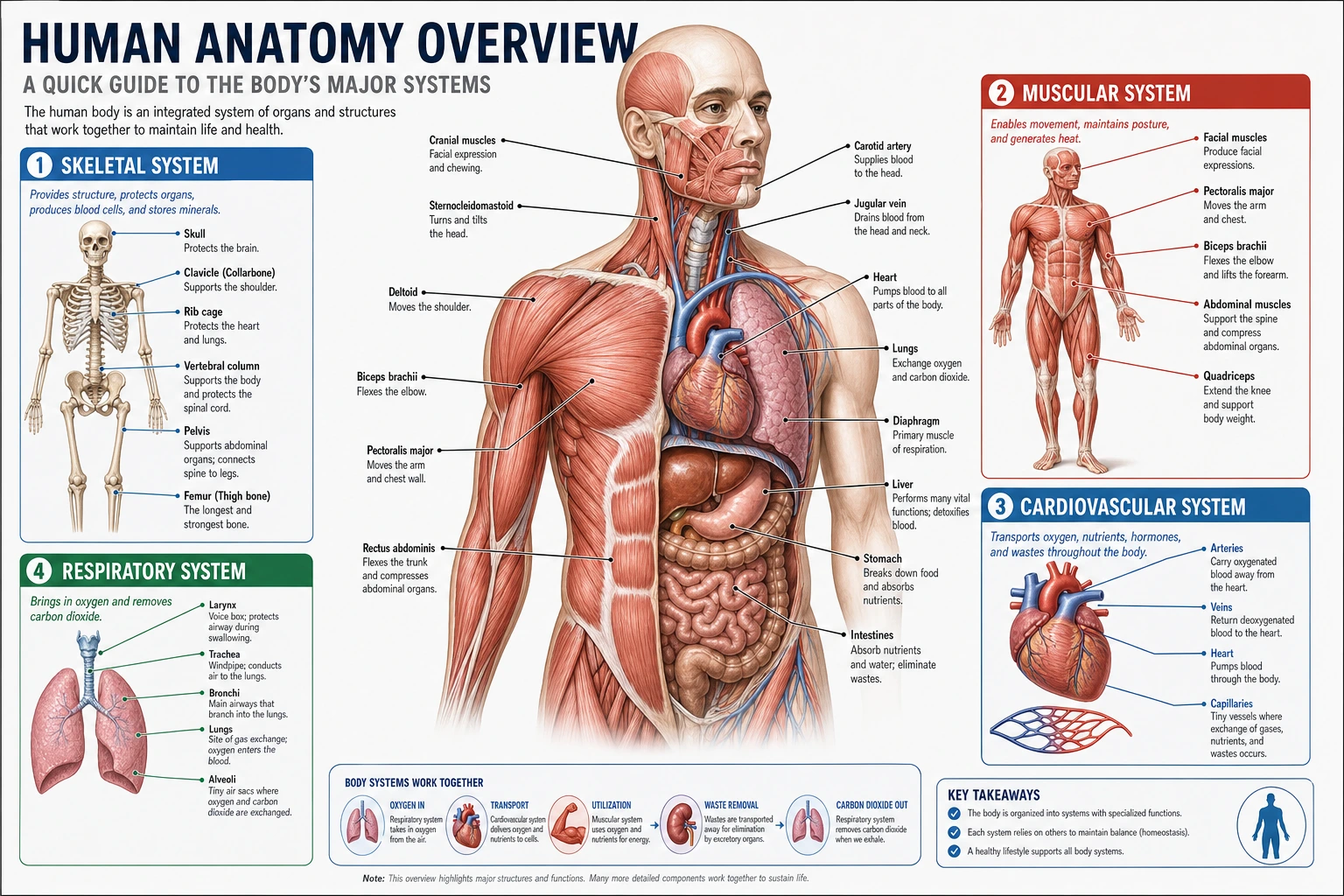 Anatomy
Use a structure-focused page when the main need is normal anatomy rather than tissue change or lesion comparison.
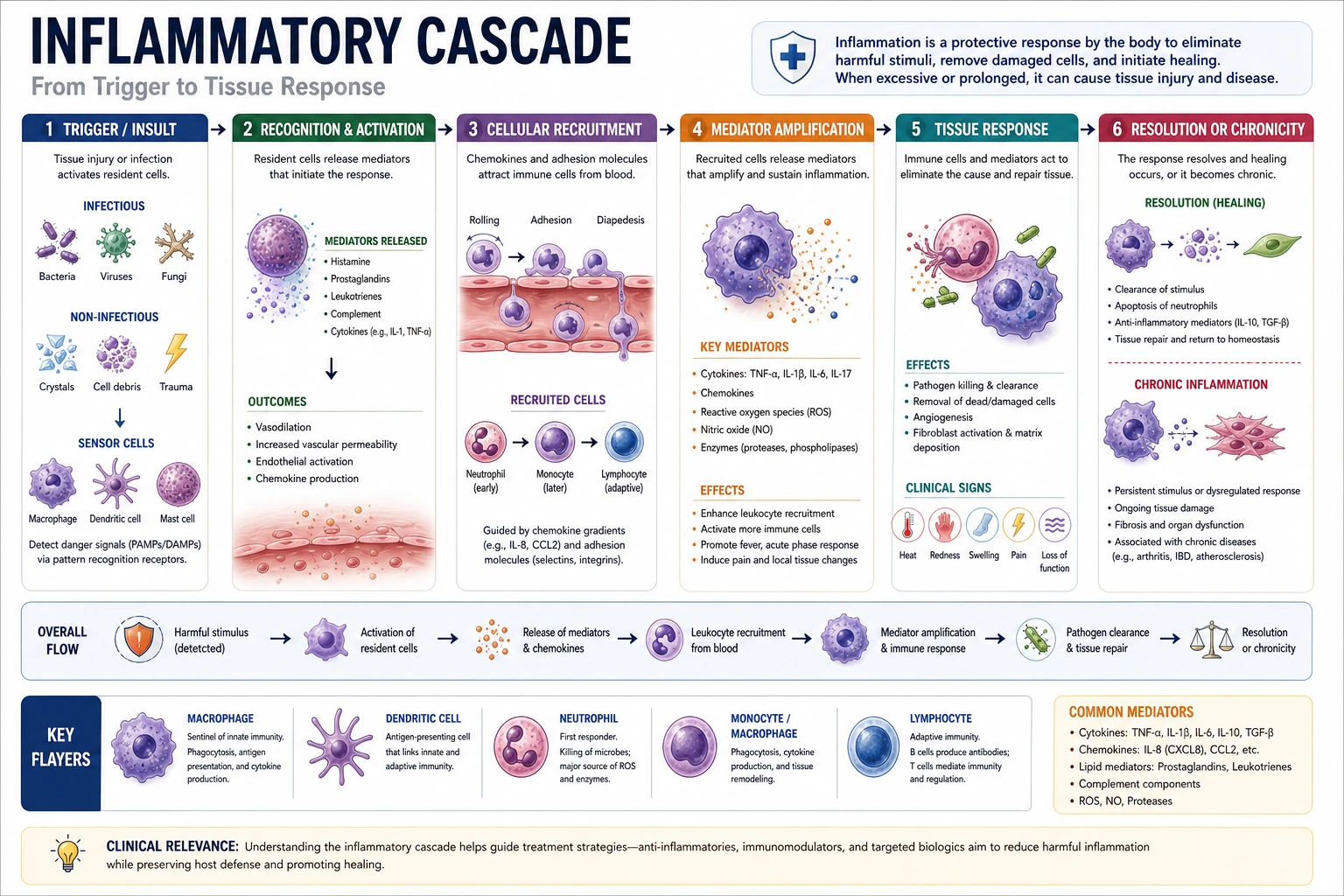 Medical Workflows
Move to a process-focused page for disease mechanisms, care pathways, and clinician-facing logic.
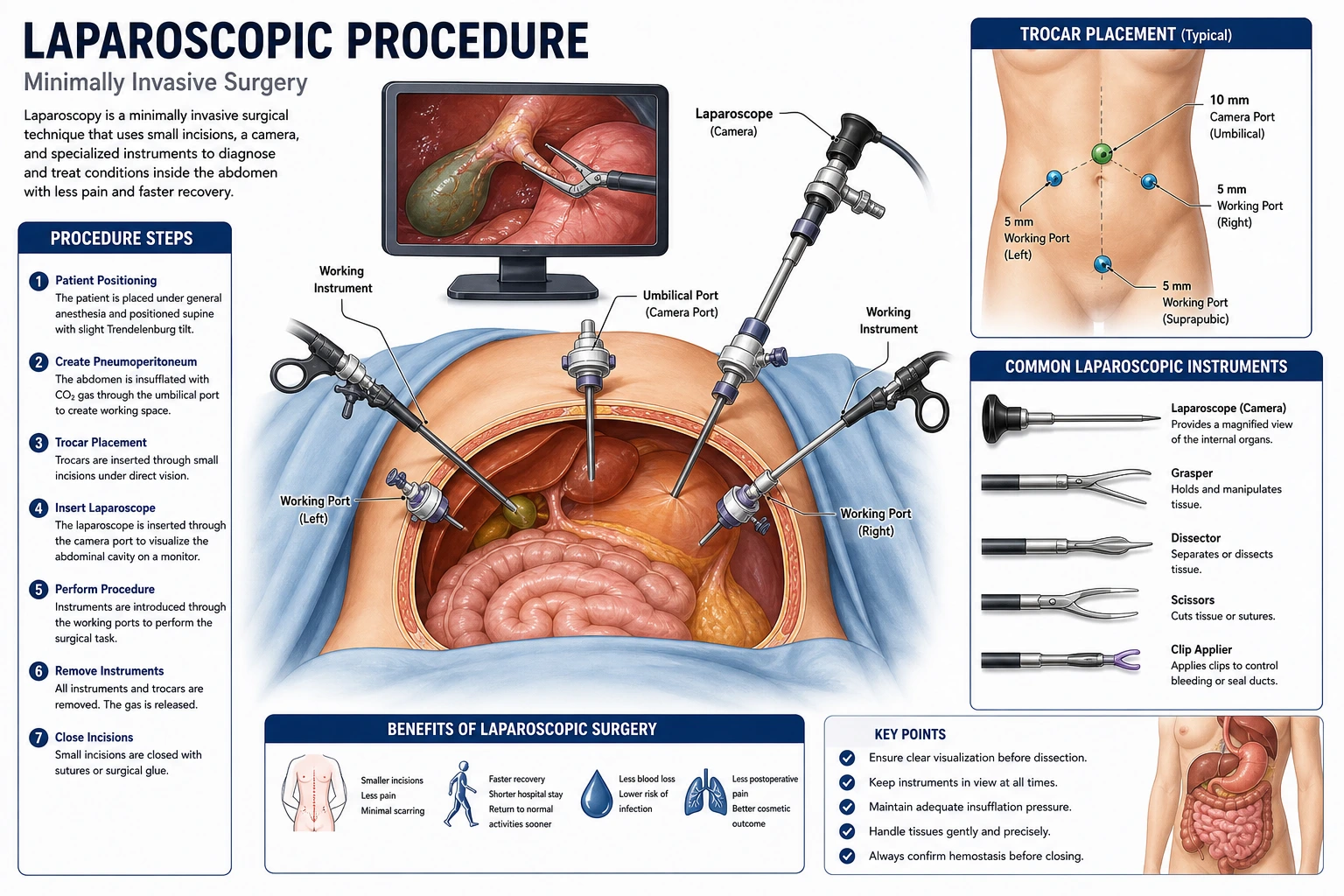 Procedures
Useful when the figure needs operative exposure, incision planning, or procedural steps instead of specimen morphology.