
Axial skeleton overview
A labeled draft showing skull, spine, ribs, and sternum in a broad anatomy teaching layout.
Axial
Draft labeled skeletal-system visuals for axial and appendicular anatomy, joint relationships, bone landmarks, and study materials. Focus the prompt on the region, the labeling depth, and the audience.
Free to try ·
Your diagram will appear here
Describe what you need and click Generate
Example bone and joint drafts for anatomy study, teaching, and musculoskeletal communication.
A labeled draft showing skull, spine, ribs, and sternum in a broad anatomy teaching layout.
A limb-focused draft that organizes the major upper- and lower-extremity bones for study.
A draft that compares cervical, thoracic, lumbar, sacral, and coccygeal regions with clear landmarks.
A labeled draft that highlights how bones align around a major joint and where key landmarks sit.
A compact study draft that separates carpals, metacarpals, and phalanges for quick review.
A structural draft that clarifies pelvic landmarks, ring continuity, and basic orientation.
Use this page when the goal is to explain bone structure, skeletal organization, joint relationships, or surface landmarks rather than a detailed disease mechanism.
Strong skeletal prompts define the body region, whether the view is whole-system or local, and which labels or landmarks matter most.
This page supports first-pass skeletal explanation, but final review still matters for landmark accuracy, terminology, and any fracture or imaging-related context.
Use a different page when the visual should focus more on muscle function, fracture-management workflows, or broader anatomy beyond the skeleton.
Describe the region, the landmarks, and the audience, then review the labels against your trusted source before reuse.
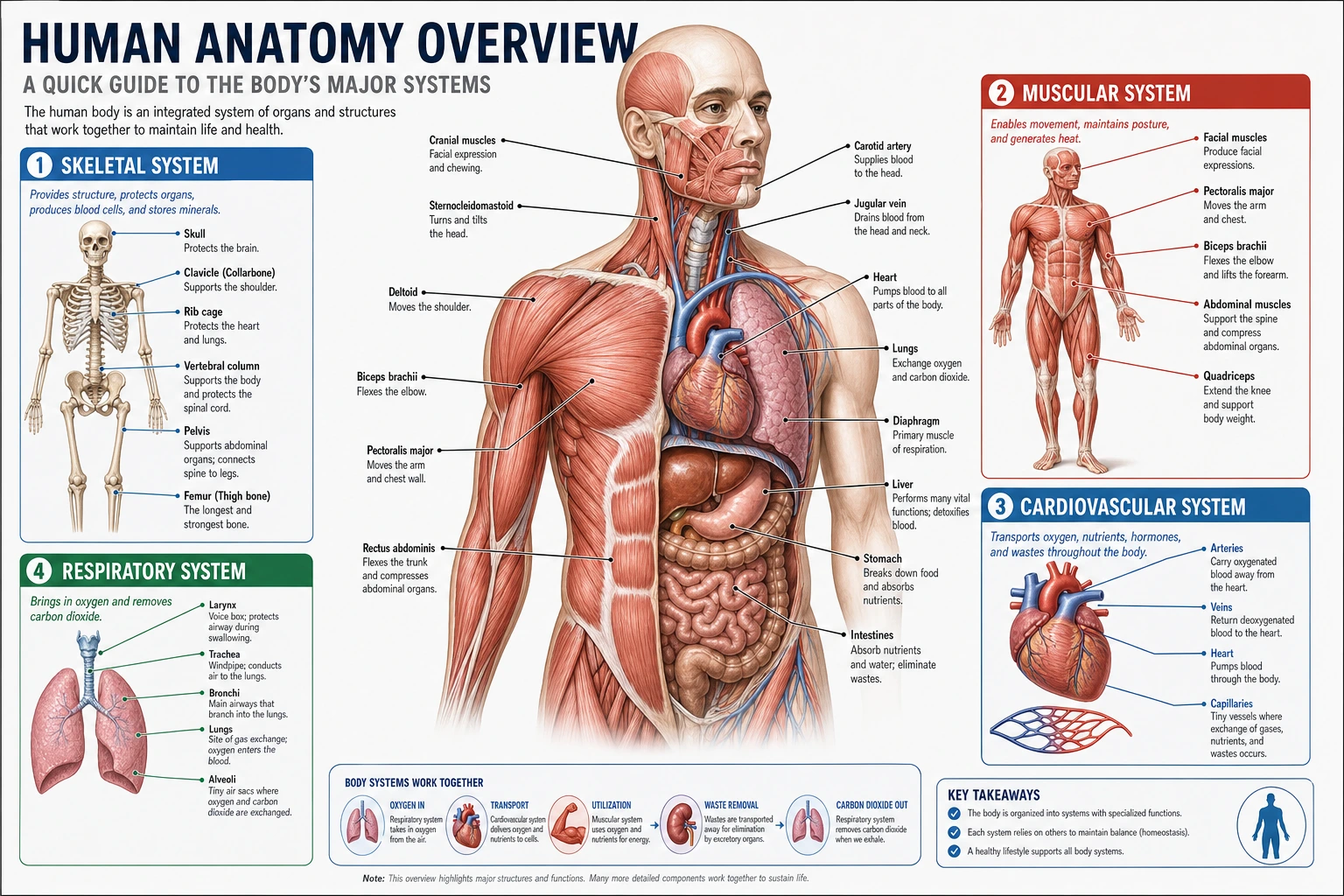 Anatomy
Use a broader anatomy page for mixed-structure or multi-organ teaching visuals.
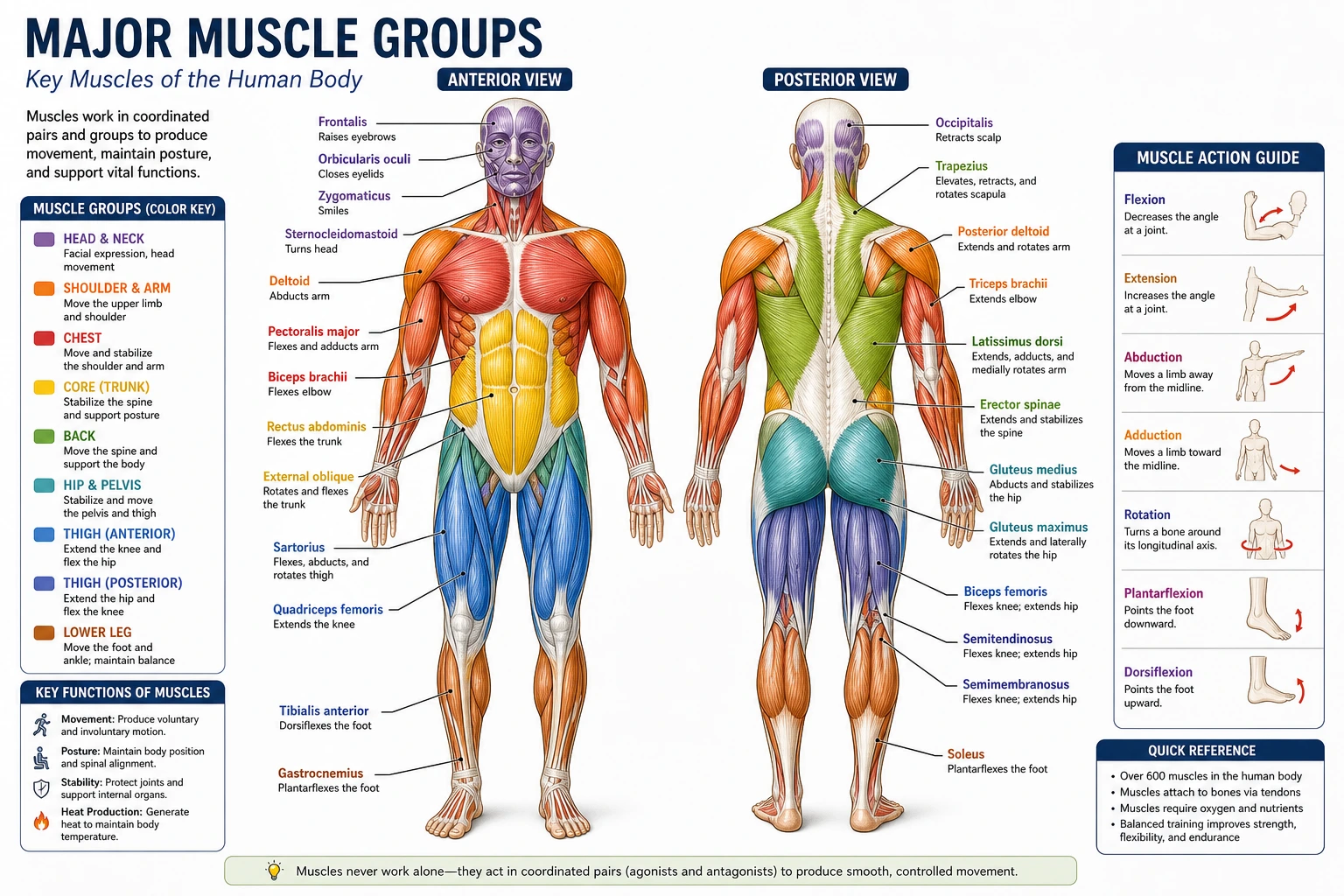 Musculoskeletal
Switch to a muscle-focused page when attachments, layers, or movement patterns matter more than bones alone.
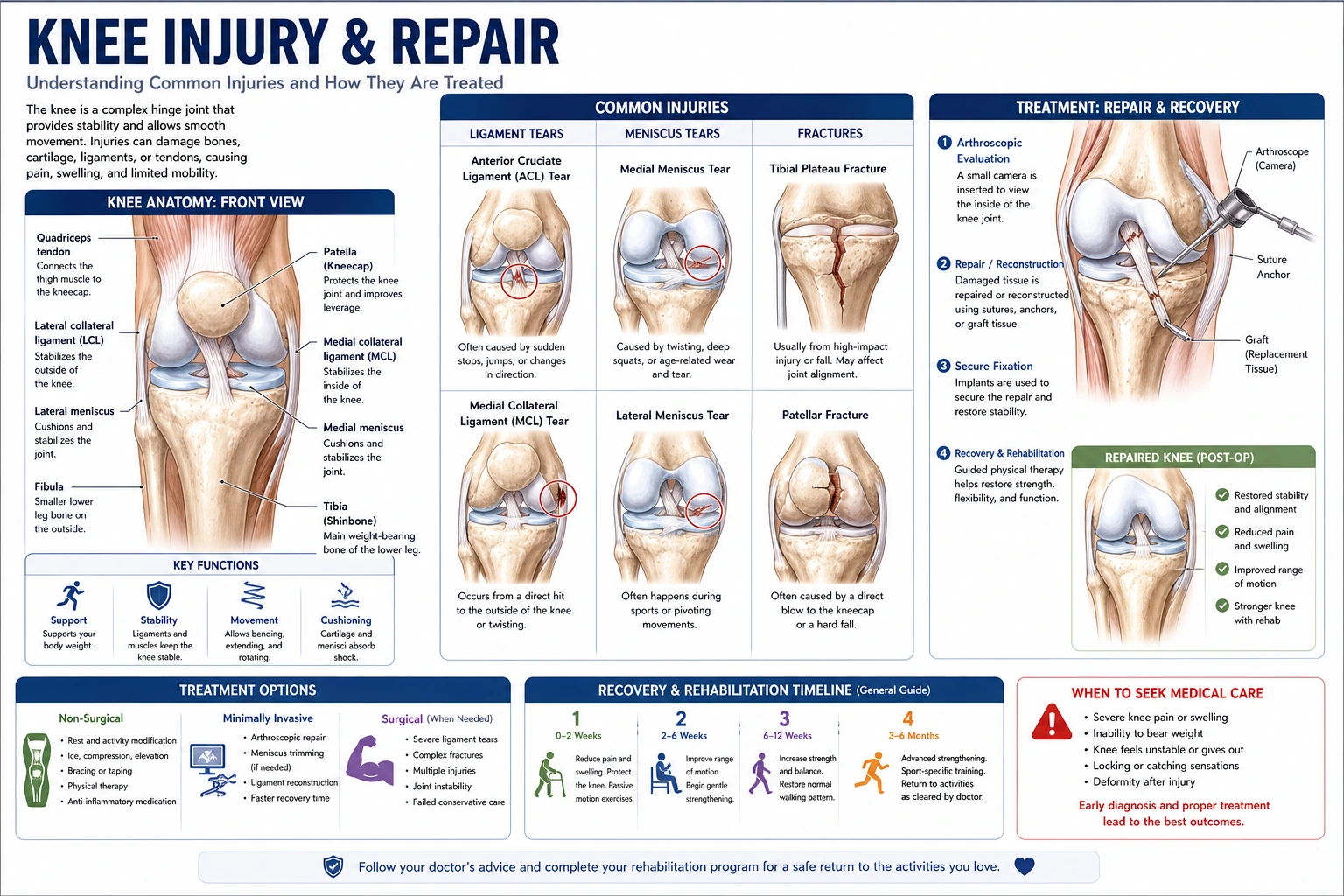 Orthopedics
Move to an orthopedic page for fracture, fixation, joint-injury, and rehab communication drafts.